
AI page generation
Turns a campaign description into a complete page with structure, copy, images, forms, and a conversion path.

AI landing page builder
Describe the campaign, audience, and goal. Leadpages generates a branded page with copy, images, forms, and a conversion path—then keeps editing, publishing, A/B testing, Smart Traffic, and heatmaps in one workflow.
Try Leadpages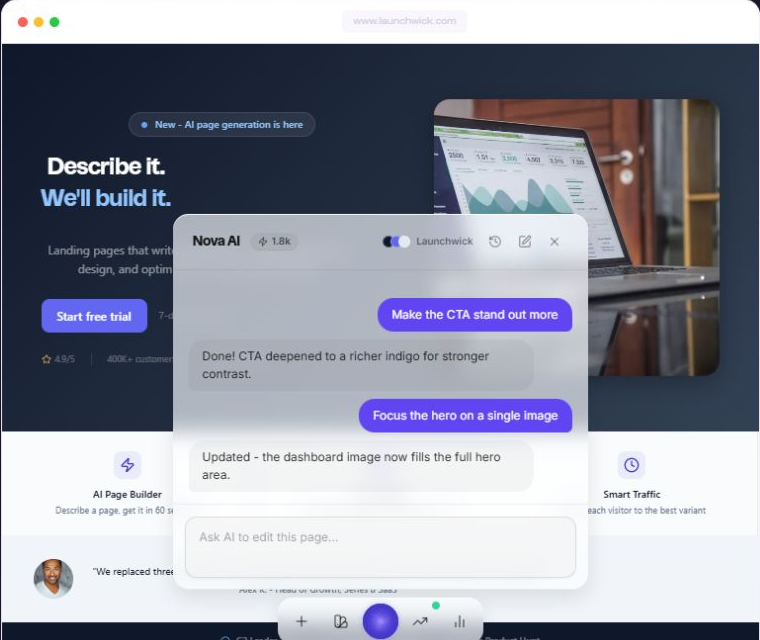
Turns a campaign description into a complete page with structure, copy, images, forms, and a conversion path.
Creates a reusable kit from a website URL using the brand’s logo, colors, fonts, and tone.
Revises the selected headline, image, or section without replacing the rest of the page.
Creation and optimization
Turns a campaign description into a complete page with structure, copy, images, forms, and a conversion path.
Creates a reusable kit from a website URL using the brand’s logo, colors, fonts, and tone.
Revises the selected headline, image, or section without replacing the rest of the page.
Creates and compares page variants in the same workspace used to build them.
Routes visitors among variants using traffic-source, device, and prior-performance signals.
Shows click, scroll-depth, and attention patterns for published pages and variants.
How it works
Start with the page goal, generate a branded draft, refine only the elements you select, then publish and add the optimization tools available on your plan.
Tell Leadpages what you are building, who it is for, and the action visitors should take.
The AI produces a responsive page with structure, headlines, copy, images, forms, and a conversion path, then applies the selected brand kit.
Select a headline, image, or section and revise that element without rebuilding the rest of the page.
Publish, create A/B variants, and—when included in your plan—use Smart Traffic and heatmaps to refine the live experience.
One connected workflow
Keep page creation and post-launch optimization connected instead of moving each stage into a separate builder, testing tool, or analytics dashboard.
Responsive editingPages are mobile-responsive, and Leadpages documents editing from a phone.
AI publishingLeadpages documents an MCP server for publishing from supported AI tools to a connected custom domain.
Uncapped trafficLeadpages states that every current plan supports unlimited visitor traffic.
A clearer path from idea to launch